Canva Integration
Replace portal images with designs from your Canva library.
Connect your Canva account
Authorize TravelXM to access your Canva designs library.
Before connecting: Add your portal URL + /api/canva/callback as an allowed redirect URI in your Canva Developer Portal
Dashboard Images
(6 slots)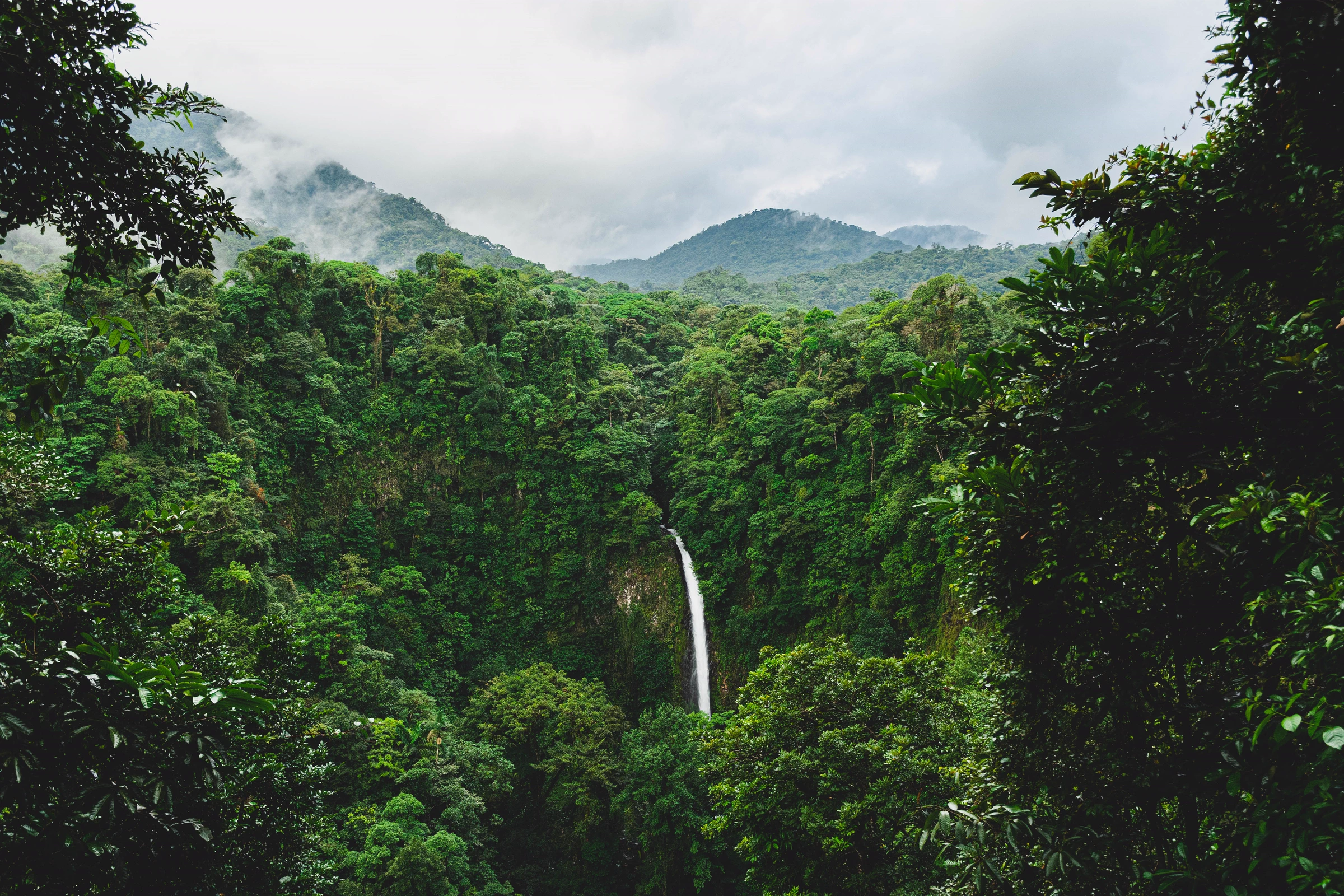
Dashboard Hero Banner
Default (Unsplash)
Connect Canva to replace this image

Featured Package 1
Default (Unsplash)
Connect Canva to replace this image
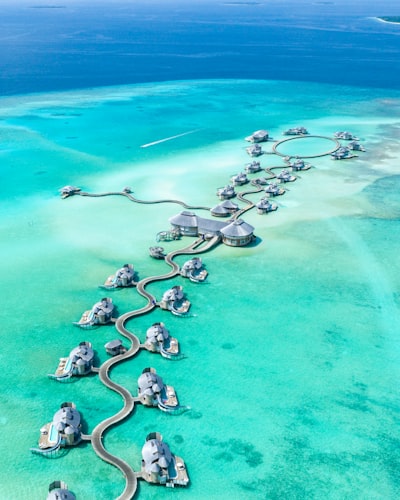
Featured Package 2
Default (Unsplash)
Connect Canva to replace this image

Featured Package 3
Default (Unsplash)
Connect Canva to replace this image

Featured Package 4
Default (Unsplash)
Connect Canva to replace this image

Featured Package 5
Default (Unsplash)
Connect Canva to replace this image
Login Images
(5 slots)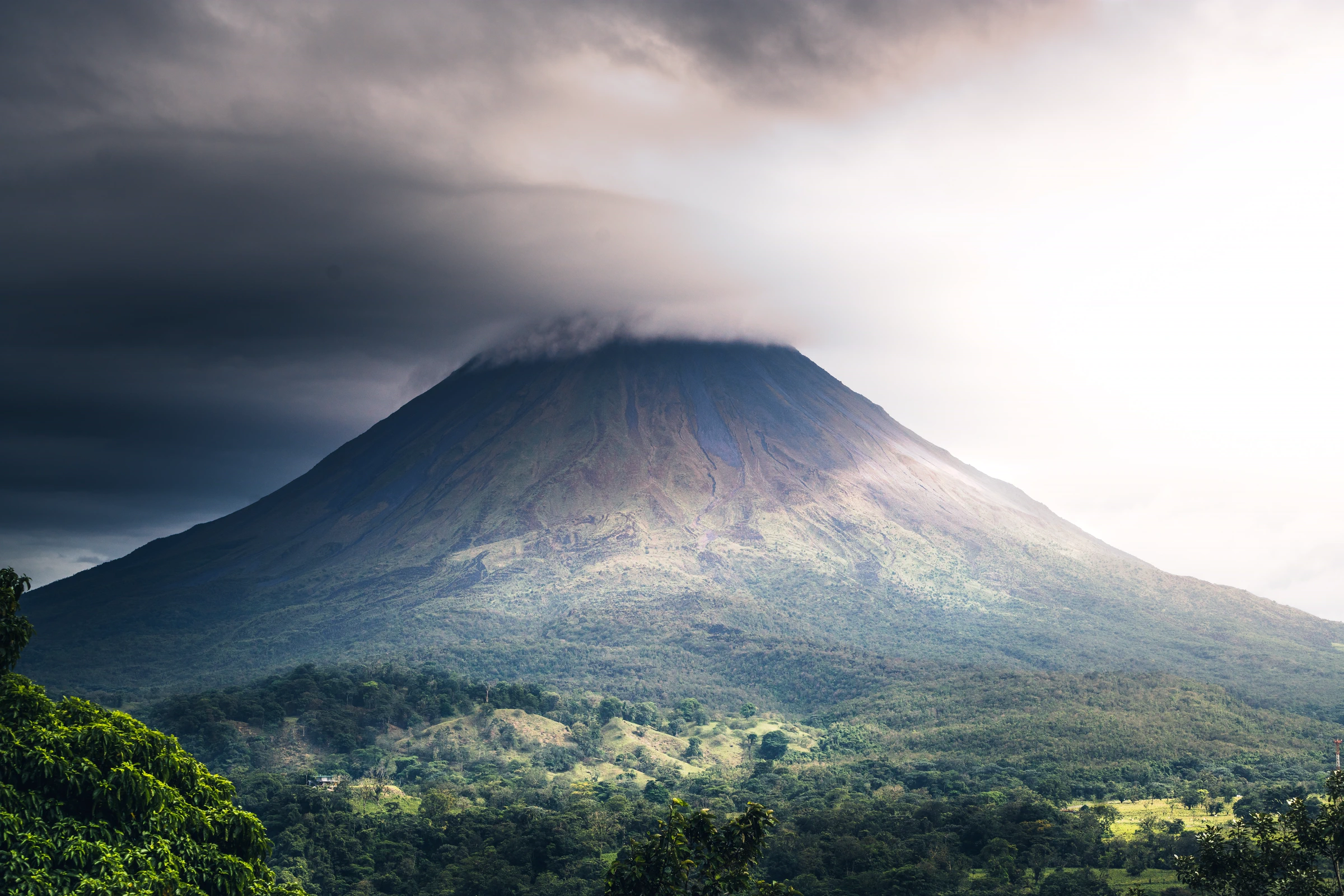
Login Slide 1 – Arenal
Default (Unsplash)
Connect Canva to replace this image
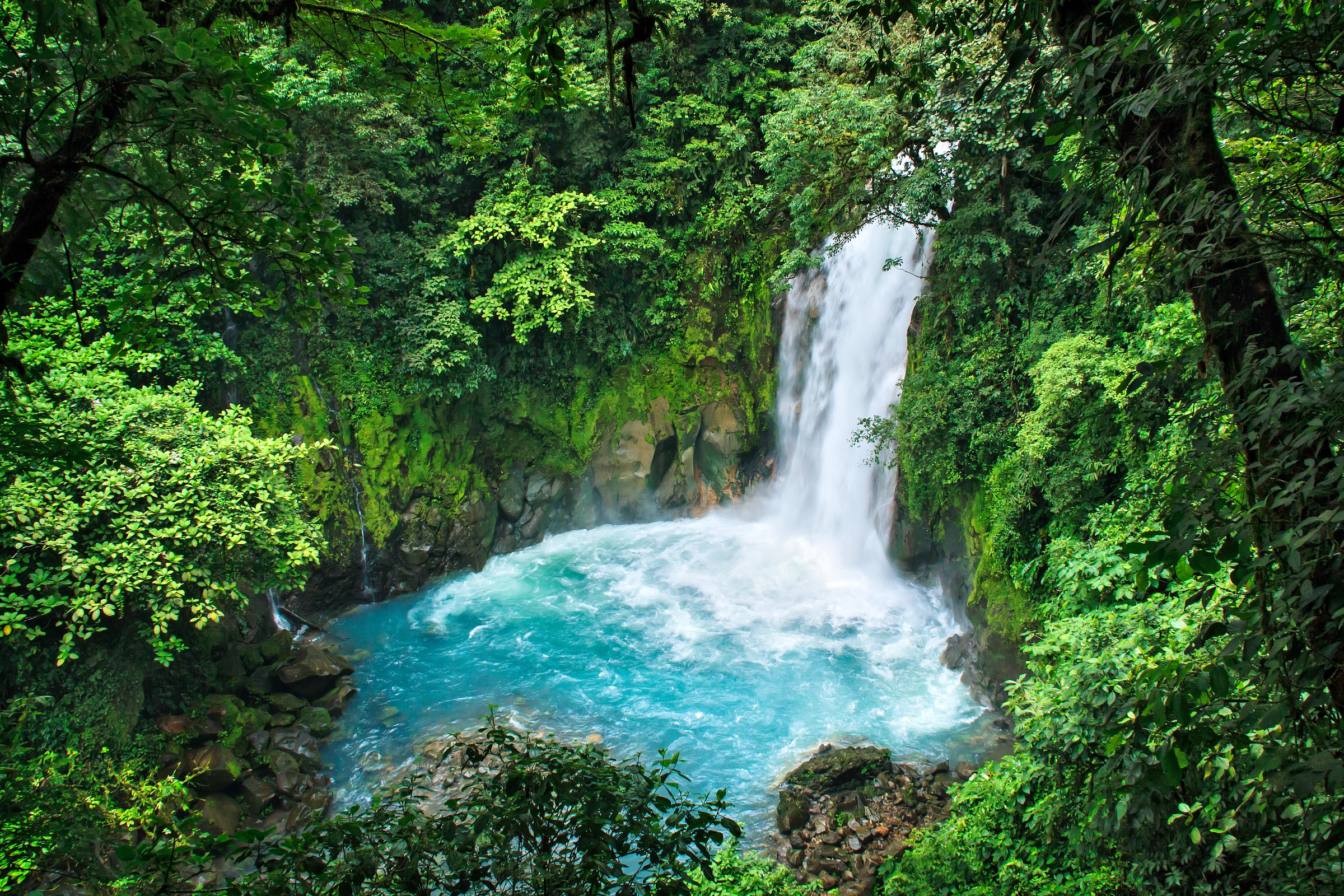
Login Slide 2 – La Fortuna
Default (Unsplash)
Connect Canva to replace this image
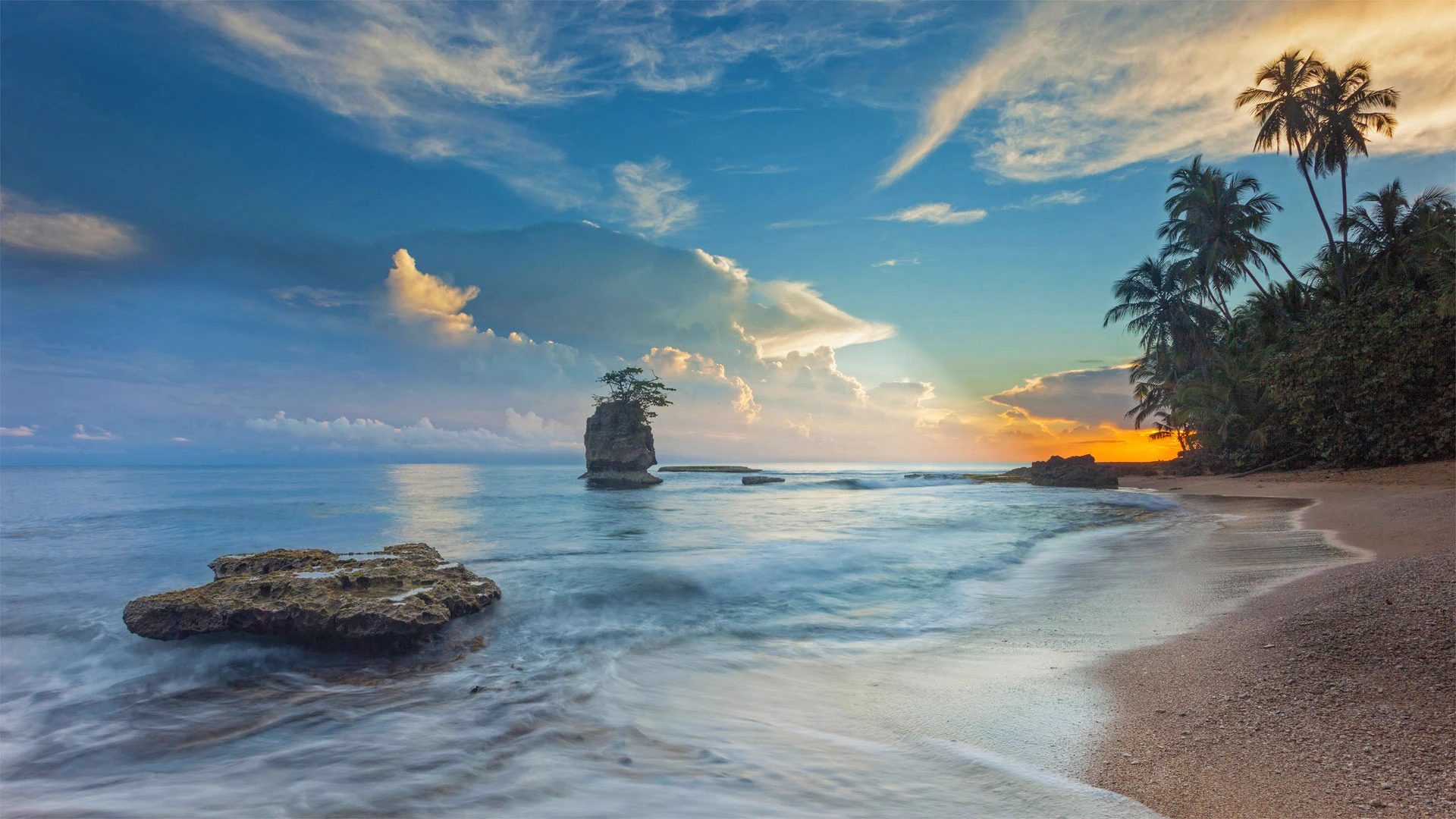
Login Slide 3 – Pacific Coast
Default (Unsplash)
Connect Canva to replace this image
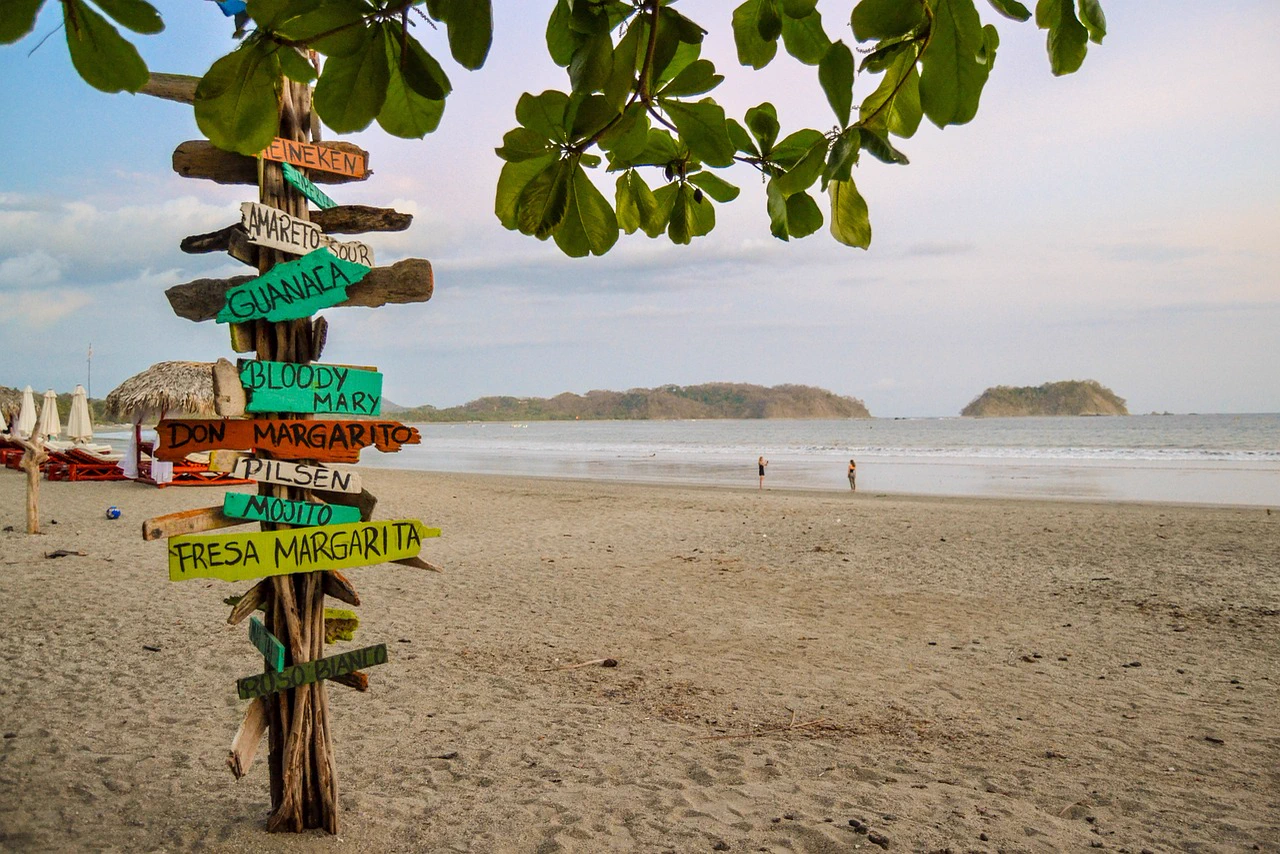
Login Slide 4 – Playa Sámara
Default (Unsplash)
Connect Canva to replace this image
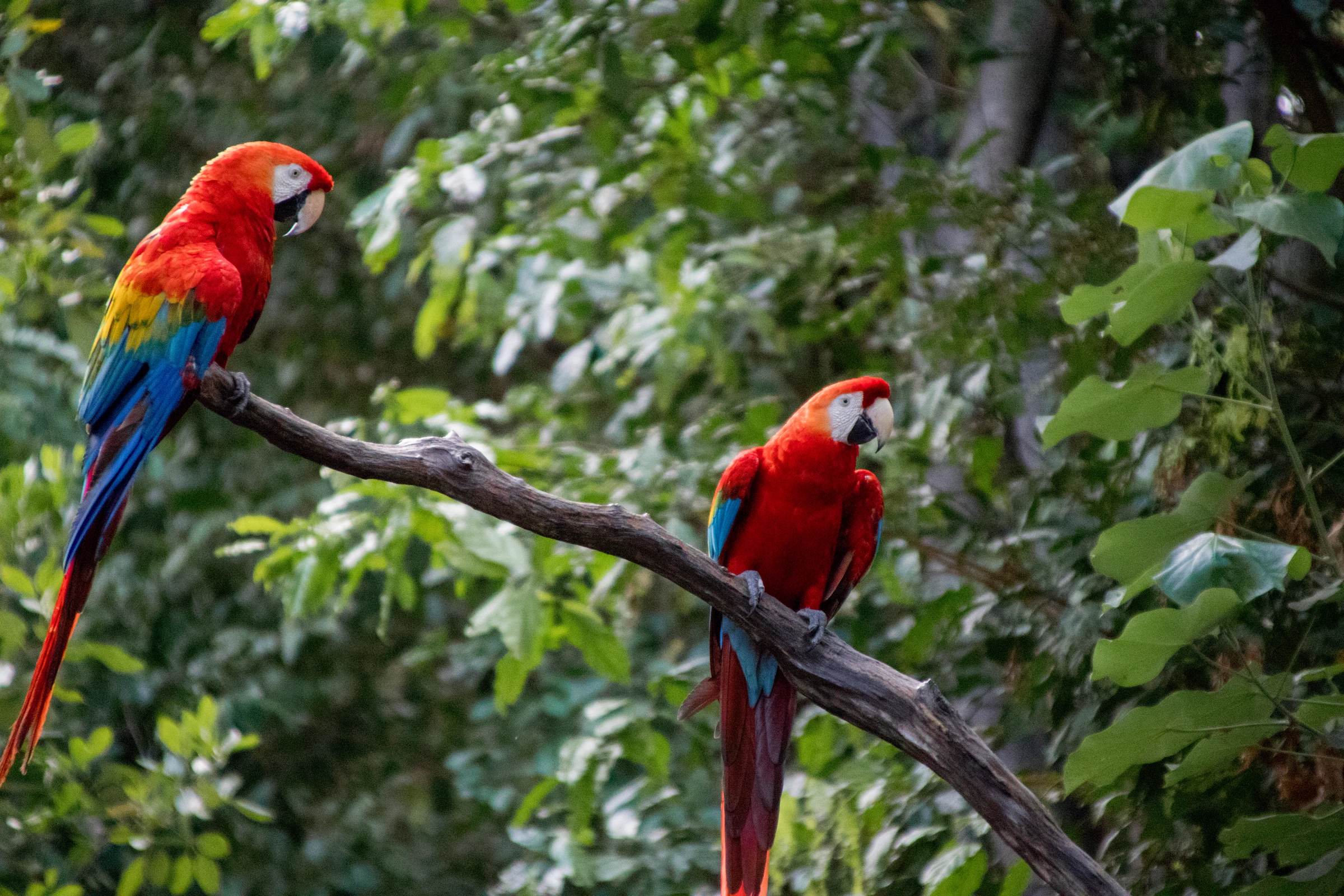
Login Slide 5 – Corcovado
Default (Unsplash)
Connect Canva to replace this image
System Images
(1 slots)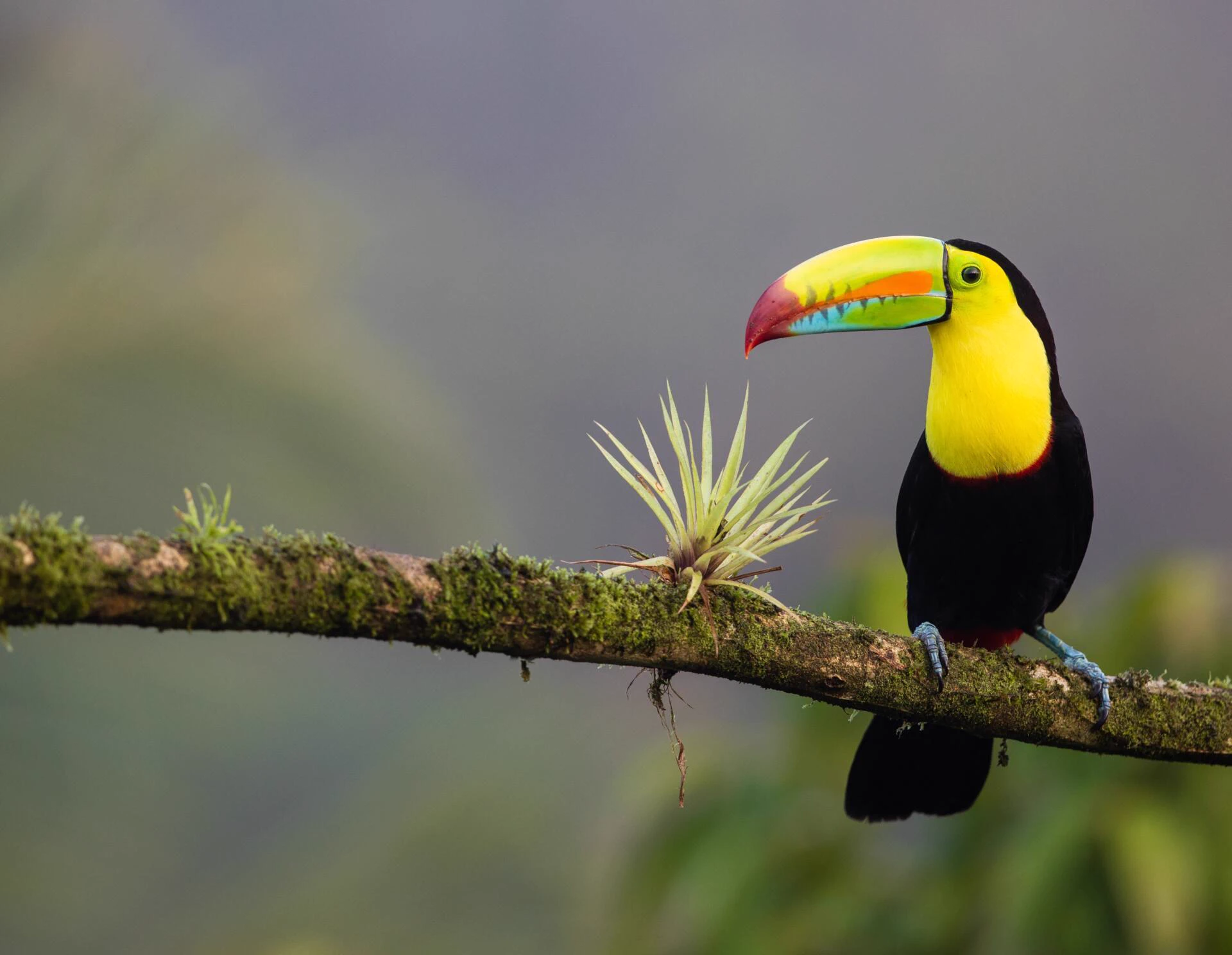
404 Page Banner
Default (Unsplash)
Connect Canva to replace this image